Kitchen Budget, Recipe, and Warranty Records: A Plain Software Setup
How to use a home computer and office software to track kitchen spending, appliance receipts, recipes, freezer lists, and warranty records without turning the kitchen into an admin project.
Kitchen organisation is not only shelves and containers. The paper trail matters too. Receipts prove warranty dates. Model numbers make spare parts easier to find. A freezer list stops double-buying. A simple spreadsheet can show whether the coffee habit, takeaway habit, or bargain-appliance habit is costing more than it feels like week to week.
The right setup is boring: one folder, a few named subfolders, and one spreadsheet that does not try to become a full household management system. If it takes more than a minute to update, nobody will keep using it.
The folder structure that is enough
Create one main folder called Kitchen Records. Inside it, keep Receipts, Manuals, Warranties, Recipes, Meal Plans, and Freezer List. Do not build a maze. The job is to find proof quickly when the kettle fails, the food processor bowl cracks, or the oven manual needs a cleaning cycle note.
Save files with plain names: 2026-06 kettle receipt, air fryer manual, coffee grinder warranty, stand mixer serial number. Search works better when the filename says what the file is. A pretty folder system with vague names becomes useless when something breaks.
The spreadsheet tabs worth keeping
The appliance tab should hold item, brand, model, serial number, purchase date, retailer, warranty length, receipt file name, and notes. The budget tab can be weekly or monthly, but keep categories simple: groceries, coffee, cleaning supplies, appliance purchases, cookware, eating out, and replacement parts.
The freezer tab only needs item, date frozen, portion count, and use-by target. The recipe tab should not try to replace a cookbook. Use it for reliable house recipes, source links, batch sizes, and notes such as 'halve the salt' or 'works in the smaller roasting tin'.
Software for kitchen records and home admin
This link points to DirectDeals. TheKitchenGeeks may earn a commission if a reader clicks through and later buys through the advertiser. Check licence edition, device compatibility, region terms, delivery method, and refund rules before purchasing any software.
Advertiser: DirectDeals. DirectDeals sells software licences and digital downloads for home and business computers, including office and operating-system software.
Check software deals at DirectDealsWhere DirectDeals fits
DirectDeals is relevant if the household needs office software, a Windows licence, or other basic computer software to keep these records locally. Treat it like any other retailer: check the exact edition, activation method, number of devices, operating-system compatibility, and refund policy before buying.
This is not a kitchen gadget purchase, but it does serve the kitchen. A well-kept warranty record can save more money than a drawer organiser, especially for appliances with bowls, seals, blades, baskets, and batteries that may need proof of purchase later.
Do not overbuild it
A kitchen admin setup fails when it asks for too much data. Nobody needs a twenty-column spice inventory unless they enjoy maintaining it. The useful records are the ones you reach for when buying, repairing, returning, or planning food.
Keep photos of receipts as backup, but do not rely on a camera roll. Move the image or PDF into the folder and name it. If a retailer emails a receipt, save the PDF or print-to-PDF version. Email search works until the one message you need has the wrong subject line.
Security and backup notes
Do not store payment-card details in a kitchen spreadsheet. Do not write full passwords in recipe files. Keep the spreadsheet for household facts, not secrets. Back the folder up to an external drive or a cloud folder if the computer is the only copy.
If more than one person cooks or shops, agree who updates the file. Shared systems work best when one person tidies the records weekly and everyone else knows where to put receipts and notes.
Simple setup checklist
- Create one Kitchen Records folder with six subfolders.
- Make one spreadsheet with Appliance, Budget, Freezer, Recipes, and Replacement Parts tabs.
- Name receipt and manual files by date, item, and retailer.
- Record warranty length and serial number as soon as a new appliance arrives.
- Back up the folder before replacing or resetting a computer.
Bottom line
Kitchen records should make buying and repair decisions calmer, not create a second job. Use plain software, keep the file names obvious, and record only the details you will actually need when something breaks, runs out, or costs more than expected.
 Kitchen Note
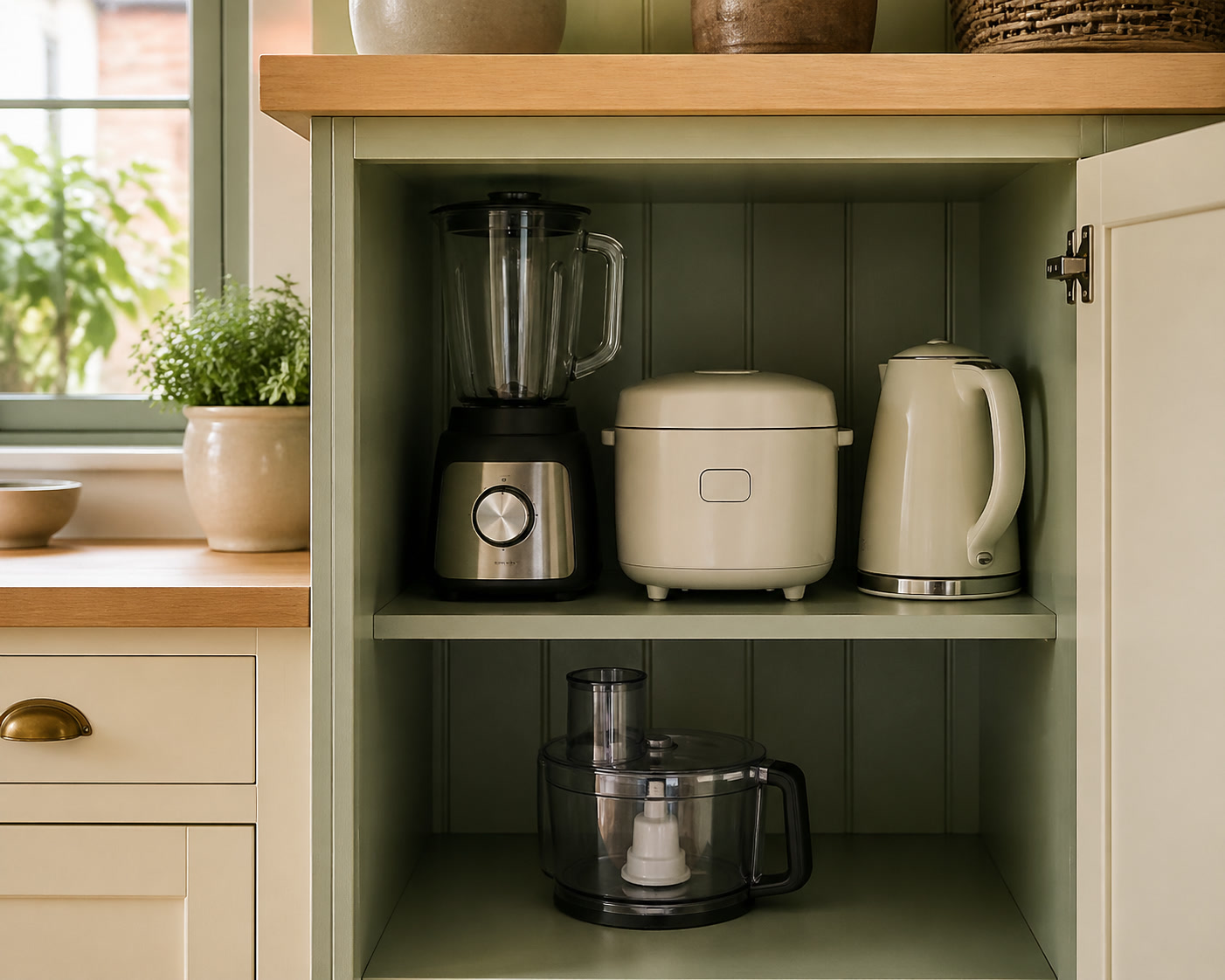
Small-Appliance Storage for Kitchens Without Spare Cupboards
A shorter field note on the small practical details that usually get missed in product pages.
 Starter Guide
The First Three Countertop Appliances We Would Buy
A first-buy guide for readers who want fewer pieces, fewer regrets, and a clear path into the category.
 Review Roundup
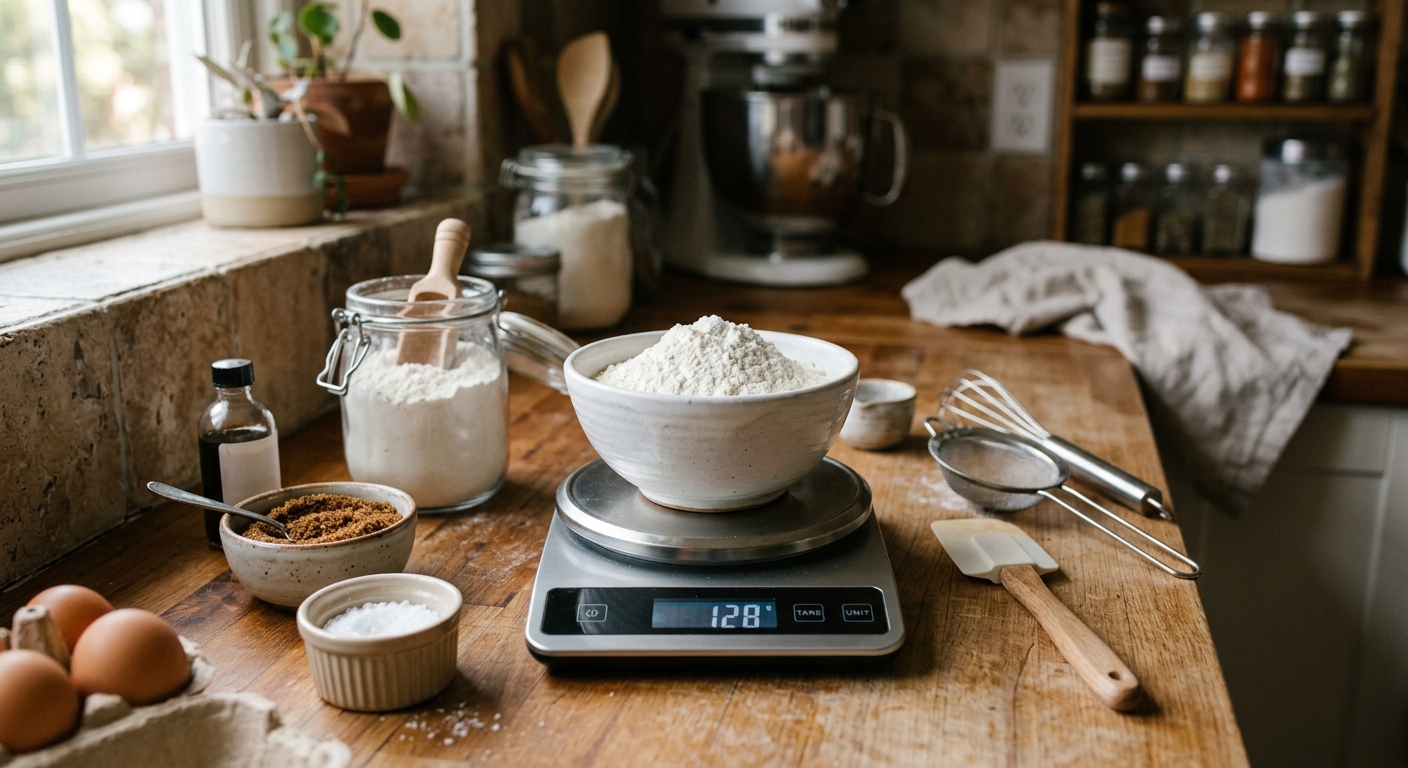
Kitchen Scales Worth Buying for Baking and Better Portions
A focused roundup for readers comparing products by daily usability instead of spec-sheet theatre.