Kitchen Retailer Passwords, Warranty Logins, and Shared Household Accounts
A practical password-management note for households that buy appliances, coffee subscriptions, grocery deliveries, and spare parts through too many retailer accounts.
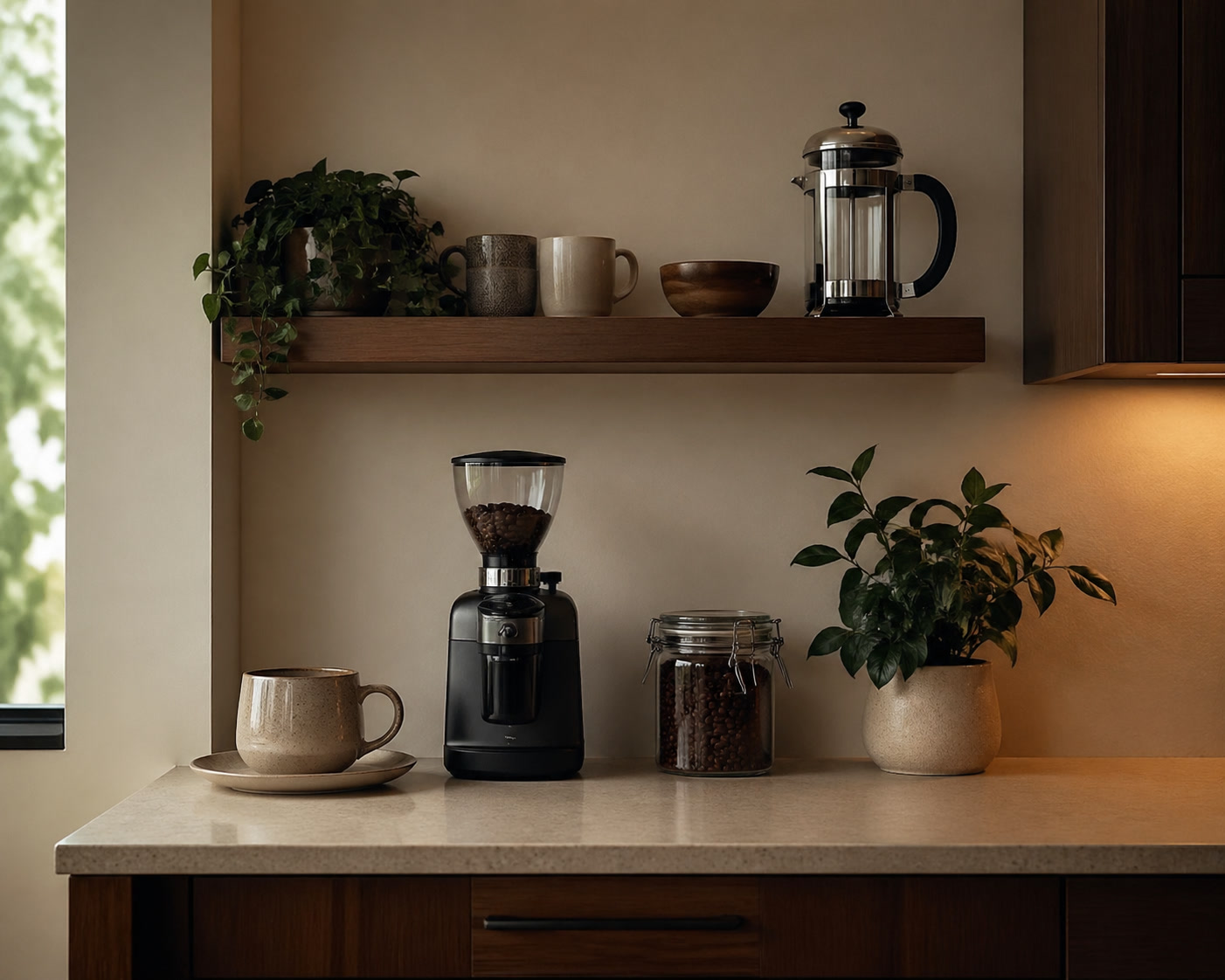
Modern kitchens quietly collect online accounts. The kettle warranty has one login. The coffee subscription has another. The grocery delivery account is shared by two people. The air fryer app, replacement-filter supplier, knife sharpener booking page, and retailer receipt portal all ask for passwords. None of this feels like kitchen work, but it becomes kitchen work when something breaks or a delivery needs changing.
The bad version is familiar: one reused password, a half-remembered email address, and a reset link sent to the person who is not home. The better version is a shared household system where the right accounts are easy to find and the passwords are not copied into unsafe notes.
Which kitchen accounts are worth organising
Start with accounts that affect money, deliveries, warranties, or personal information. Grocery delivery, coffee subscriptions, appliance warranty portals, retailer accounts, smart-appliance apps, payment accounts, and spare-part suppliers should not rely on reused passwords.
Recipe sites and newsletters are lower risk, but they still clutter inboxes and password resets. If an account stores an address, payment method, order history, or appliance serial number, it deserves stronger handling than a throwaway login.
A household vault should be selective
Shared access is useful, but not every login needs to be shared. The grocery account may belong in a shared household collection. A personal retailer account used for gifts may not. A coffee subscription might need shared access if either person pauses deliveries. The aim is not to expose everything; it is to stop kitchen tasks from depending on one person's memory.
Use clear names: Grocery delivery, Coffee beans, Kettle warranty, Food processor parts, Cleaning supplies, Water filter subscription. A vault full of retailer names with no notes becomes hard to use when a real problem arrives.
Password management for household kitchen accounts
This link points to NordPass. TheKitchenGeeks may earn a commission if a reader clicks through and later buys through the advertiser. Check plan limits, supported devices, sharing features, renewal pricing, and whether the account setup suits everyone who uses the household kitchen services.
Advertiser: NordPass. NordPass is a password manager for storing and sharing logins, passkeys, secure notes, and payment details depending on the plan and device setup.
Standard Special OfferWhere NordPass fits
NordPass is a password manager, so its role is straightforward: store unique passwords, help with sharing, and keep household logins out of notebooks and text messages. The kitchen angle is practical rather than glamorous. Better password handling makes warranties, subscriptions, and recurring deliveries easier to manage.
Before choosing any password manager, check device support, browser support, sharing features, recovery options, export options, plan limits, renewal pricing, and how comfortable the less technical person in the household will be using it. A secure system nobody uses will fail in the first busy week.
What not to store carelessly
Do not keep full card details, identity documents, or sensitive household information in random recipe files or appliance notes. If a password manager offers secure notes, use them carefully and only where it makes sense. A warranty serial number is one thing; storing every private document because the vault is convenient is another.
Two-factor authentication is worth using on accounts with payment methods or delivery addresses. Make sure the second factor does not belong only to one person if both people need to manage the account. A shared grocery account should not become impossible to access when one phone is out of battery.
Kitchen account cleanup routine
Once or twice a year, open the password manager and remove dead accounts, update weak passwords, check subscriptions, and confirm recovery email addresses. Do this before seasonal appliance sales if you are likely to buy through several retailers.
Also check old appliance apps. If a blender, coffee machine, or smart cooker is gone, close the account or remove saved payment details where possible. Kitchen clutter is not only physical.
Practical setup checklist
- List grocery, coffee, appliance, warranty, cleaning-supply, and parts accounts.
- Give shared logins clear names so they can be found quickly.
- Use unique passwords for accounts with addresses, payment methods, or order history.
- Check two-factor authentication before sharing an account.
- Review subscriptions and dead appliance accounts twice a year.
Bottom line
A password manager will not make the kitchen tidier, but it can make the hidden admin less fragile. If the household relies on retailer accounts, delivery slots, warranties, and subscriptions, the logins deserve the same practical treatment as receipts and manuals.
 Kitchen Admin
Kitchen Budget, Recipe, and Warranty Records: A Plain Software Setup
How to use a home computer and office software to track kitchen spending, appliance receipts, recipes, freezer lists, and warranty records without turning the kitchen into an admin project.
 Kitchen Note
Small-Appliance Storage for Kitchens Without Spare Cupboards
A shorter field note on the small practical details that usually get missed in product pages.
 Guide
GuideHow to Build a Coffee Corner on a Small Counter
A kitchen guide built around real use, storage, and repeat friction.